Pathway is NOT the same account as the application portal.
Pathway is the main tool that UMKC students use to access their schedule, update personal information, view grades, and even pay their bill.
All students need to set up access to Pathway BEFORE starting classes. Waiting to set up Pathway access will delay registration.
Setting up Pathway Access
After you are admitted to UMKC, you will receive an email with instructions for setting up your UMKC accounts.
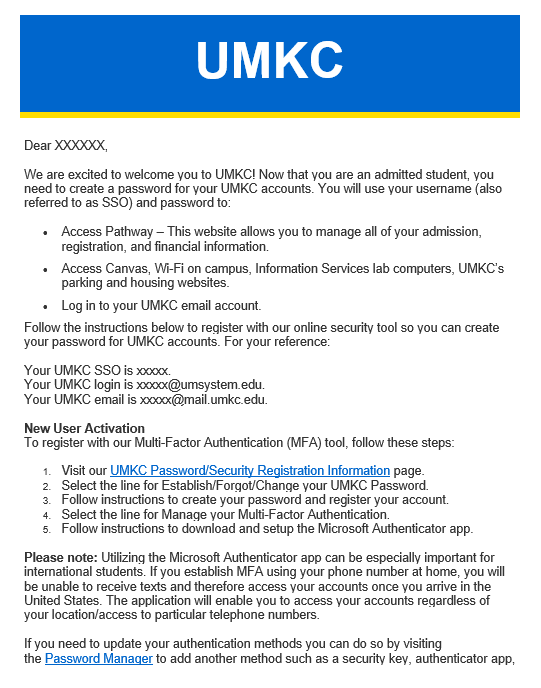
If you did not receive this email, or cannot find it, please email ali@umkc.edu to have it resent.
About Pathway
To learn about all the things you can do and see on Pathway, visit the Office of Registration and Records Student Pathway Help page.
Phone numbers and Email addresses
When you applied to UMKC/ALI, you gave the university a phone number and email address. These are the phone number and email address associated with your UMKC online accounts.
If you have changed your phone number or email since applying, you may have trouble setting up and/or accessing your accounts. Please contact the ALI at ali@umkc.edu for help.
If you set up your accounts while you are in your home country, you may have trouble accessing your UMKC accounts once you are in the U.S. We recommend downloading the Microsoft Authenticator (iPhone/Android) to your phone.
Tech Support
If you have trouble setting up your online accounts, please contact UMKC Information Services at techsupportcenter@umkc.edu.
 Applied Language Institute: The Blog